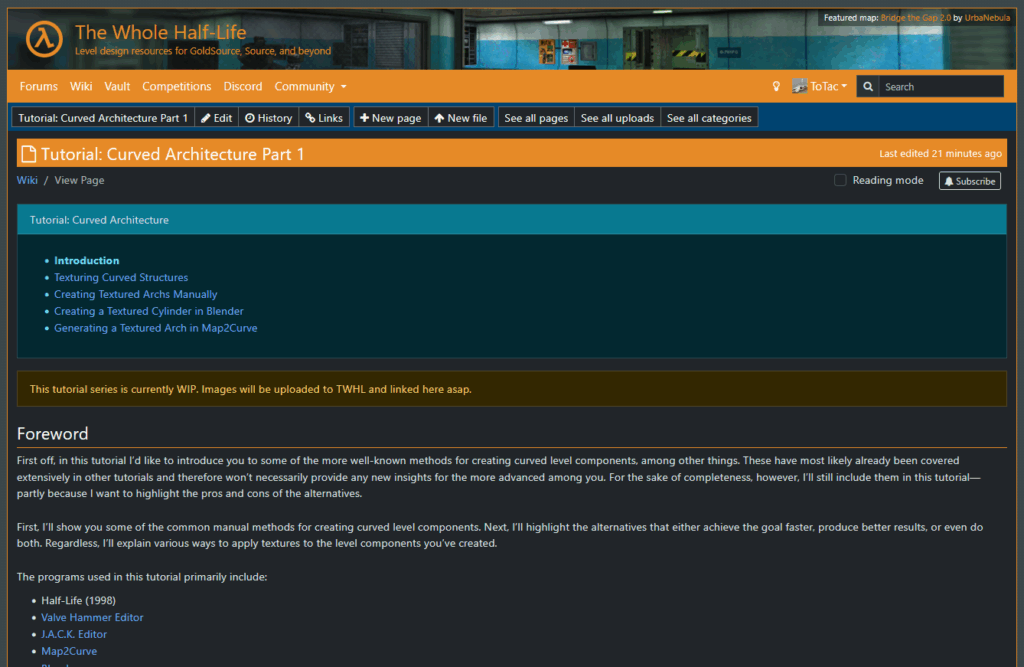
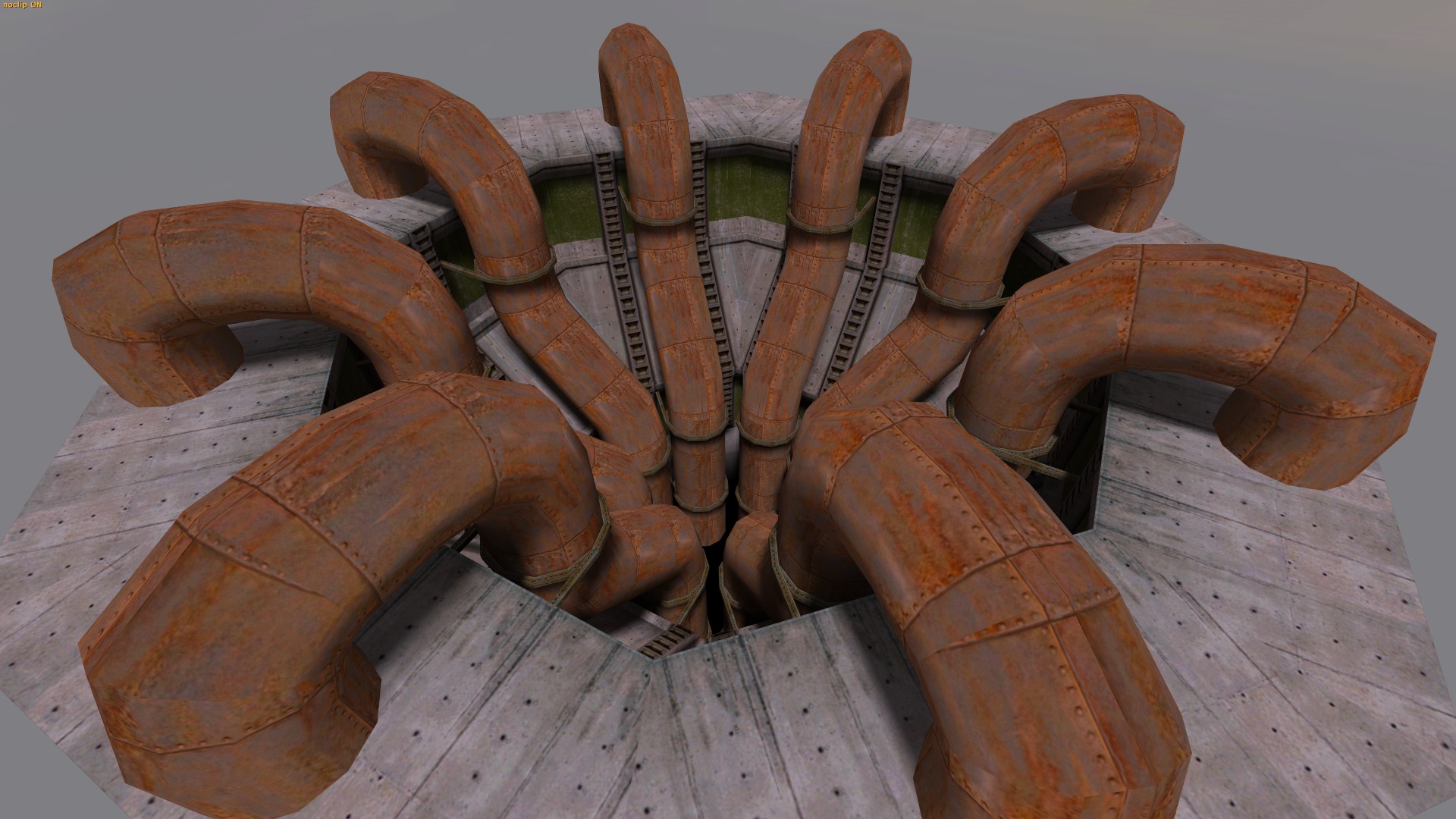
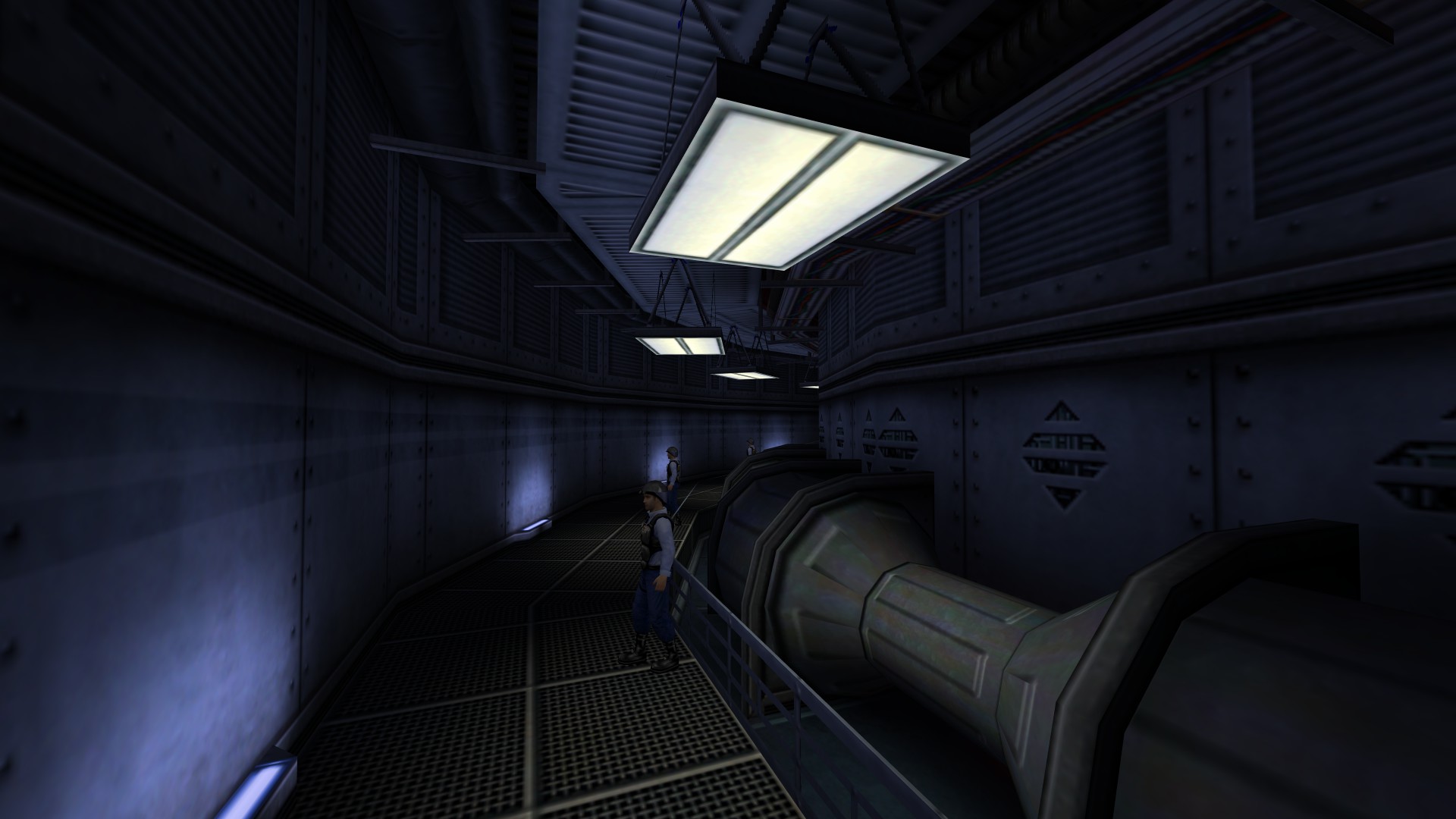
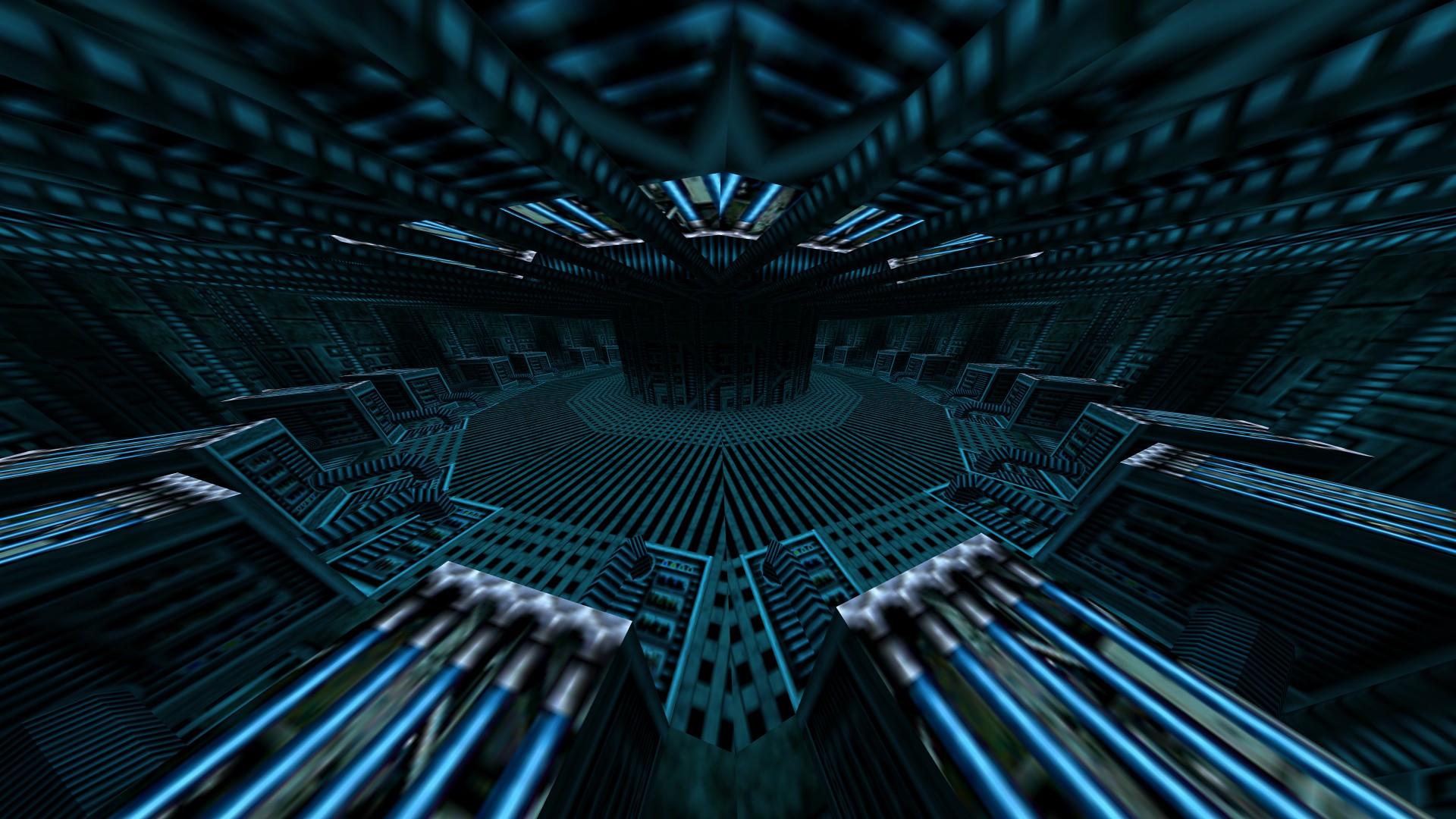
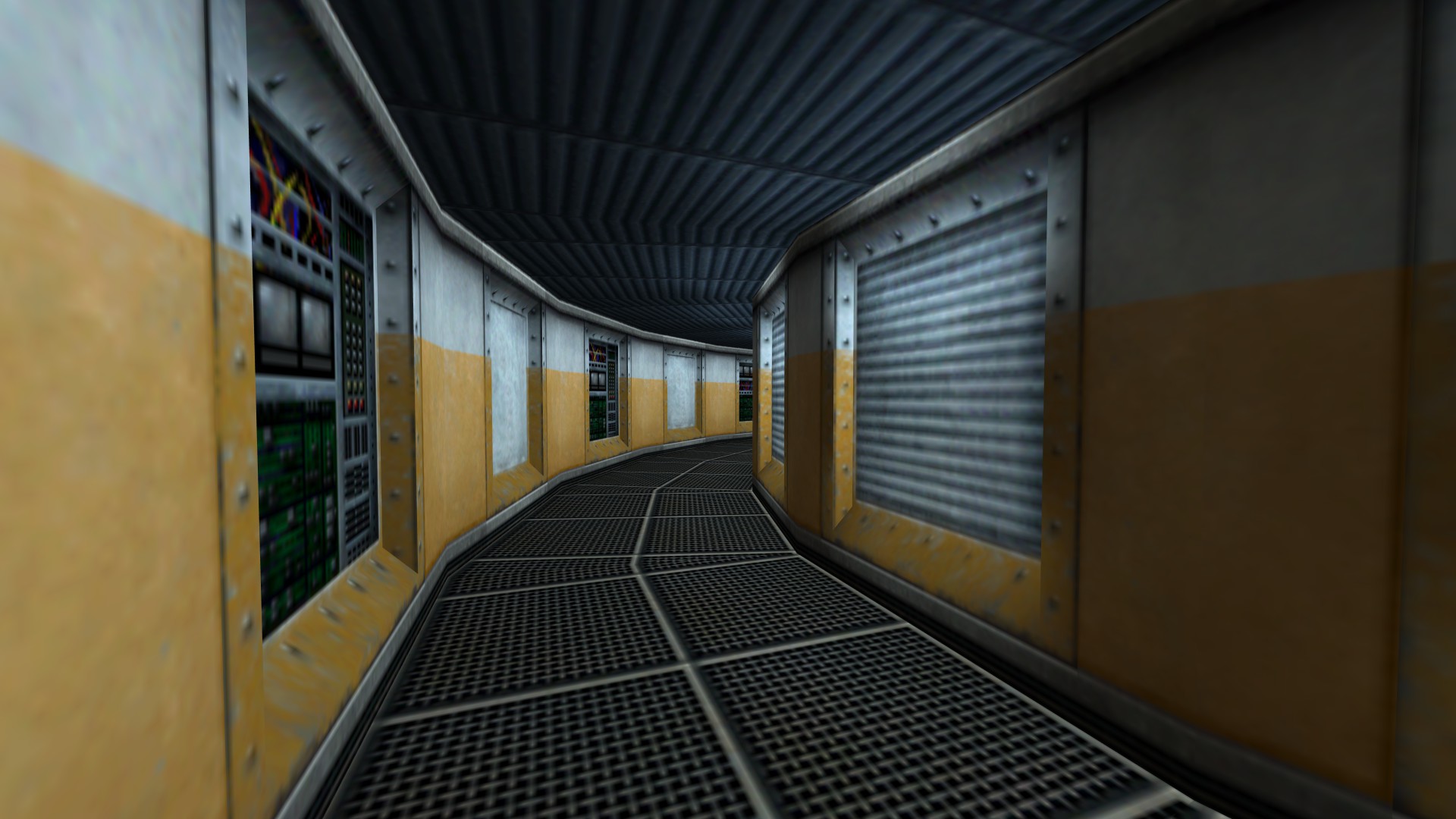
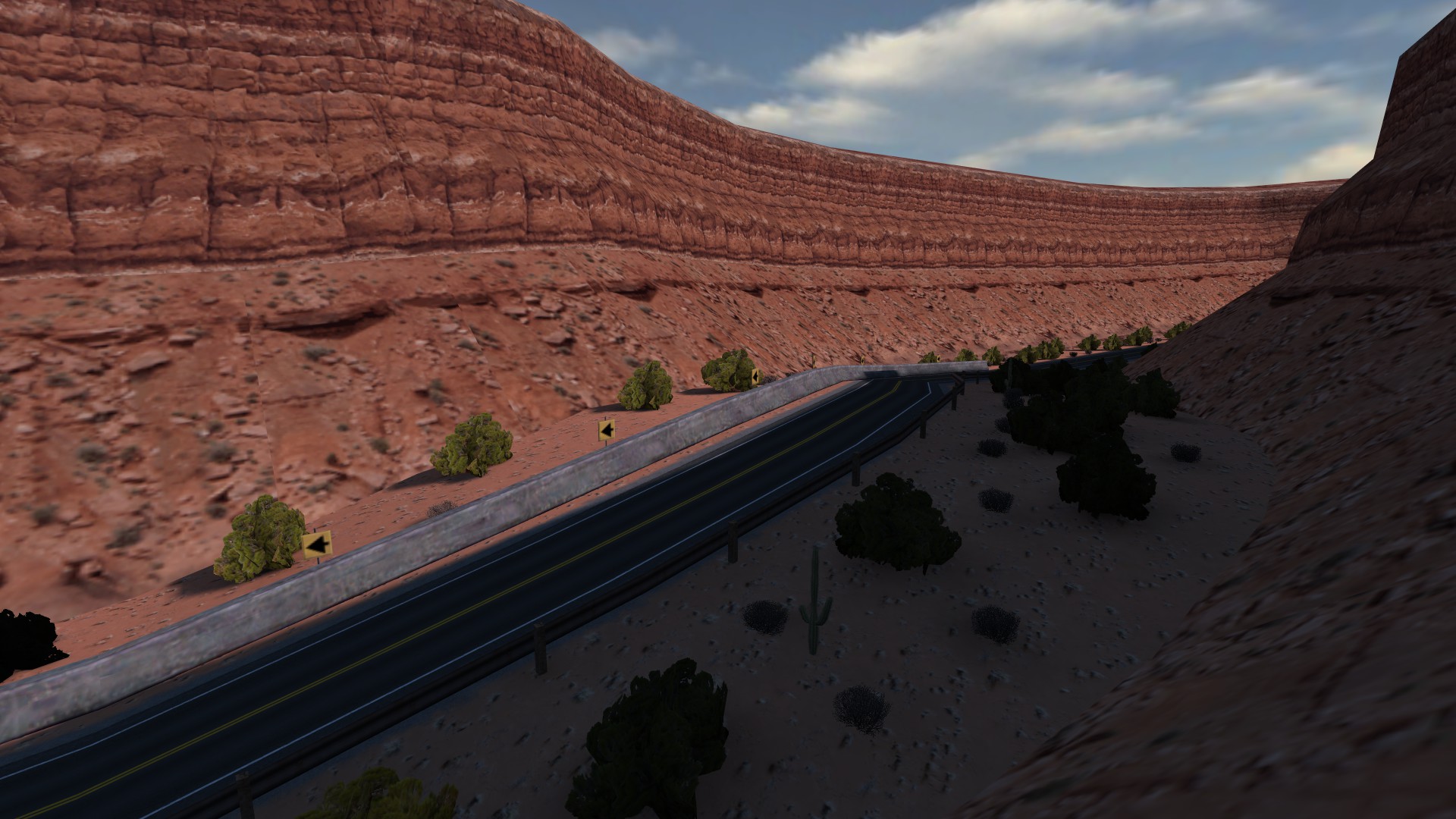
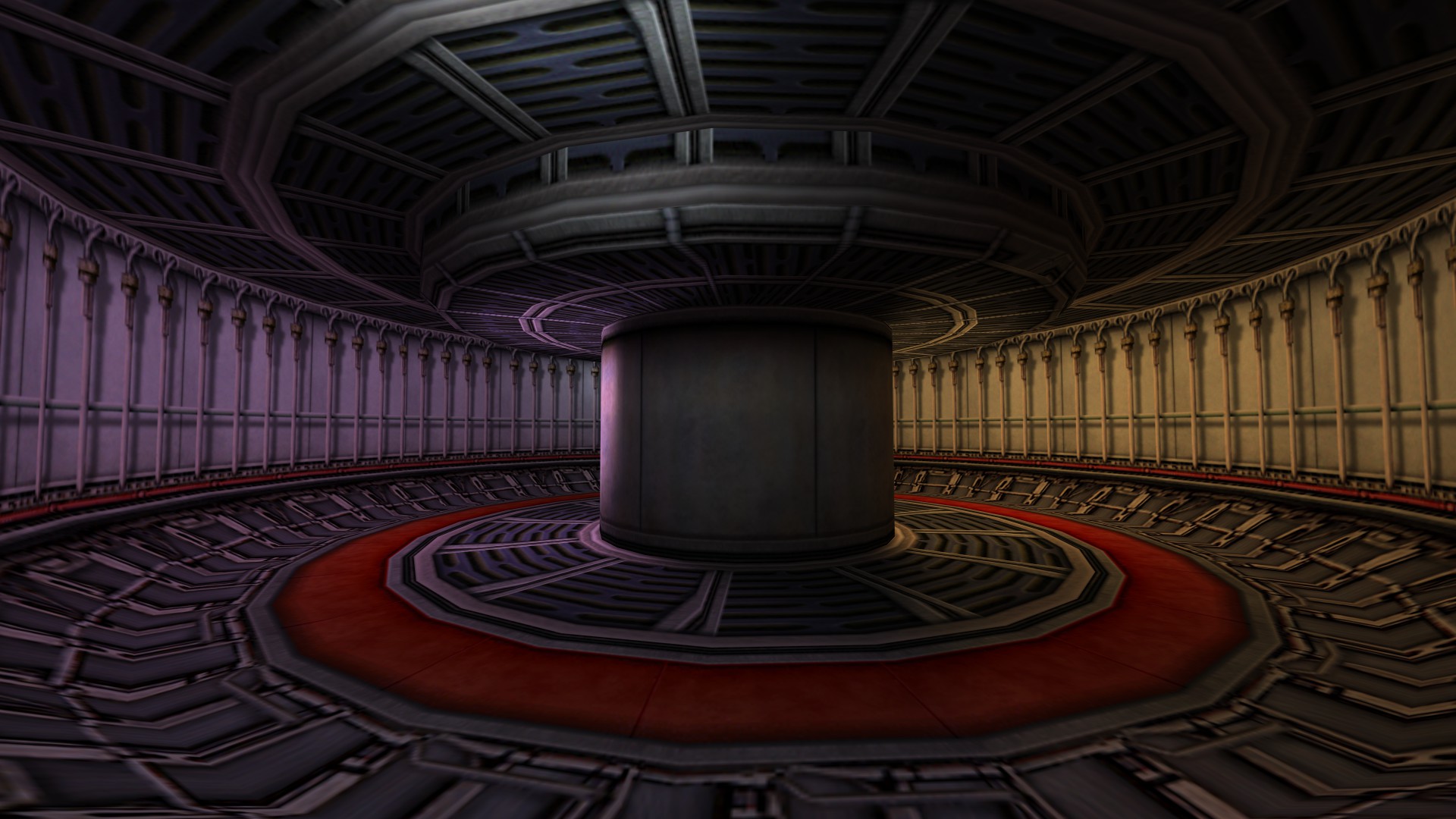
For a few weeks now I was preparing the launch of a tutorial series about curved architecture in GoldSrc which I now uploaded to the TWHL Wiki.
In the beginning I was actually planning to make it a video tutorial but it quickly became clear to me that that would be more work and effort than I would be able to afford right now, so I chose this way instead – at least for the moment.
However, I would like to add more chapters to it in the future, so whoever enjoys curved architecture in GoldSrc based games should take a look at some point and tell me what’s missing and why it made or destroyed his or her day.
Hey there, I’ve uploaded a little update which I already finished in June but for reasons kept pushing back its release until now. Sorry for that.
The update majorly consists of greater control over texturing and an experimental features for .map export, where multiple brushes would get exported as a single brush in specific situations. At the moment this behaviour can not be controlled.
Added boolean command hsunequalfix for horizontal stretch in combination with the grid-circle framework. When active it corrects texture-scales that would otherwise not be fitted perfectly into their corresponding section due to the unequal section lengths of this framework-type. Use it when fitting textures are desired. – hsunequalfix 0 // turned off – hsunequalfix 1 // turned on
Added command hsunpropfix for greater control over unproportional texture scales when using horizontal stretch. First boolean value turns it on or off, second and third float values are the lower and upper proportional limits you would like to apply. – hsunpropfix “0 0.2 5” // turned off; limits are 0.2 and 5 – hsunpropfix “1 0.2 5” // turned on These values would prohibit any horizontal texture scale proportions that are smaller than 0.2 or greater than 5, e.g.: – Vertical-Tex-Scale (mostly Y-Axis): 1.5 – Horizontal-Tex-Scale (mostly X-Axis): 0.25 – Proportion: 0.16 = too small When the filter applies the scale is being replaced with either an automatic value or an original value.
Added a first and very simple version of brush combination on MAP-file export (doesn’t work on RMF yet!). Wedge-brushes on the inner side (closer to level origin) of an arc will be exported as a single brush IF they meet the following conditions: 1. Flat up- and down-faces, both with some sort of NULL-texture applied to them 2. An upright back-face (positive Y-Axis facing) with any texture on it 3. Brush was turned into a wedge due to touching the X-axis
Good news everybody, the latest version is here and it only took me a year or so to finish it.
After getting complaints about the tool not working on map files that were exported with Trenchbroom, I first tried to take care of that, which I did, it should work now. Afterwards I first wanted to add more features, because it had been a while and it felt right to make this another “sort of major” release instead of just releasing a bug-fix. Then, naturally, bugs began to appear, accompanied by more bugs and finally: even more bugs.
So, after weeks and weeks of frustration I managed to get rid of those bugs and ended up with a seemingly stable version. Of course I can never really crosstest all variations of settings for every release, so I just hope this current version will work fine for most people. If you stumble across issues please feel free to contact me.
Heads up, I might create a tutorial video on this update and furthermore on Map2Curve in general. I might do this before I release this update, so it might already be available as you read this. I will link it here if or as soon as that is the case.
Aside from various bug fixes I added a few mentionable new features: mirroring and carving for input and final brushwork. Mirroring works for both input and final brushwork, carving however is only available for input brushwork. Both features are an addition to the already existing transformations and enable for more variation without the need of providing those yourself in your source map file. Ergo: less work.
mirror 0      // integer value from 0 to 7:
              // 0=Off, 1=X, 2=Y, 3=Z, 4=XY, 5=XZ, 6=YZ, 7=XYZ
mirror_src 0  // integer value from 0 to 7:
              // 0=Off, 1=X, 2=Y, 3=Z, 4=XY, 5=XZ, 6=YZ, 7=XYZ
mapcarve 0    // off
mapcarve 1    // on: Carve along X-axis before source transformation
mapcarve 2    // on: Carve along X-axis after source transformation
There is also a logging function now that will save all relevant information that came up during the curve generation process to Map2Curve.log. This must be enabled in the GUI settings and is disabled by default.
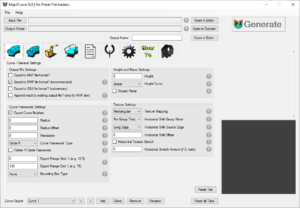
The GUI was complemented with new controls, tooltips, log tab and a Change All-setting. When this is enabled, all changes on the curve settings will apply to all existing curve objects at once, if there are more than one. Finally I added a new template ConcreteWalkthat demonstrates the new mapcarve and mirror settings.
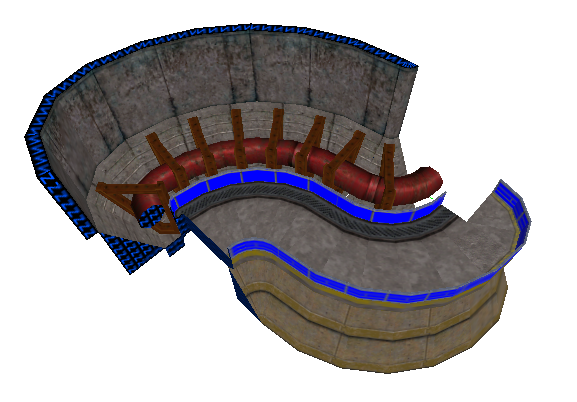
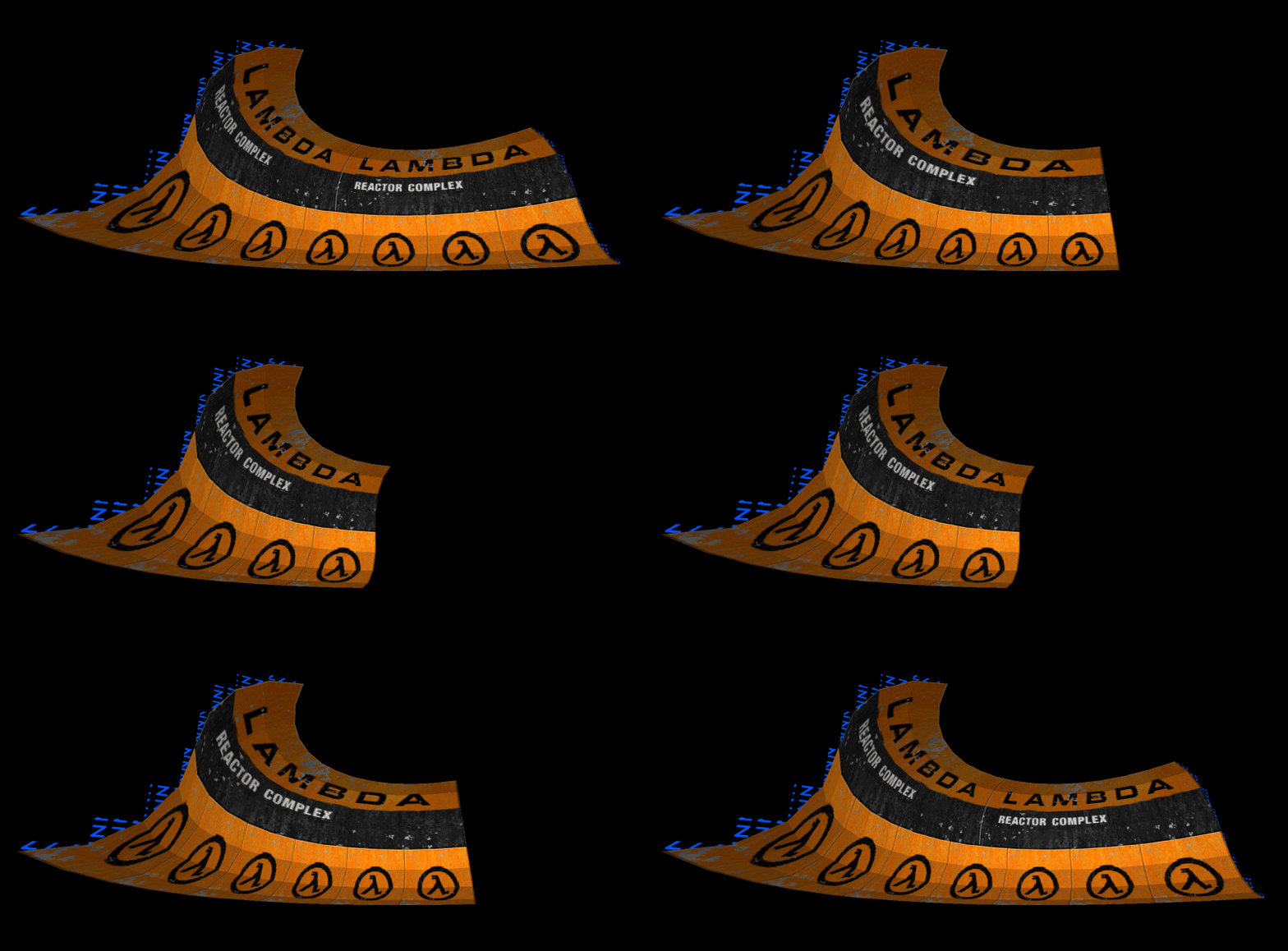
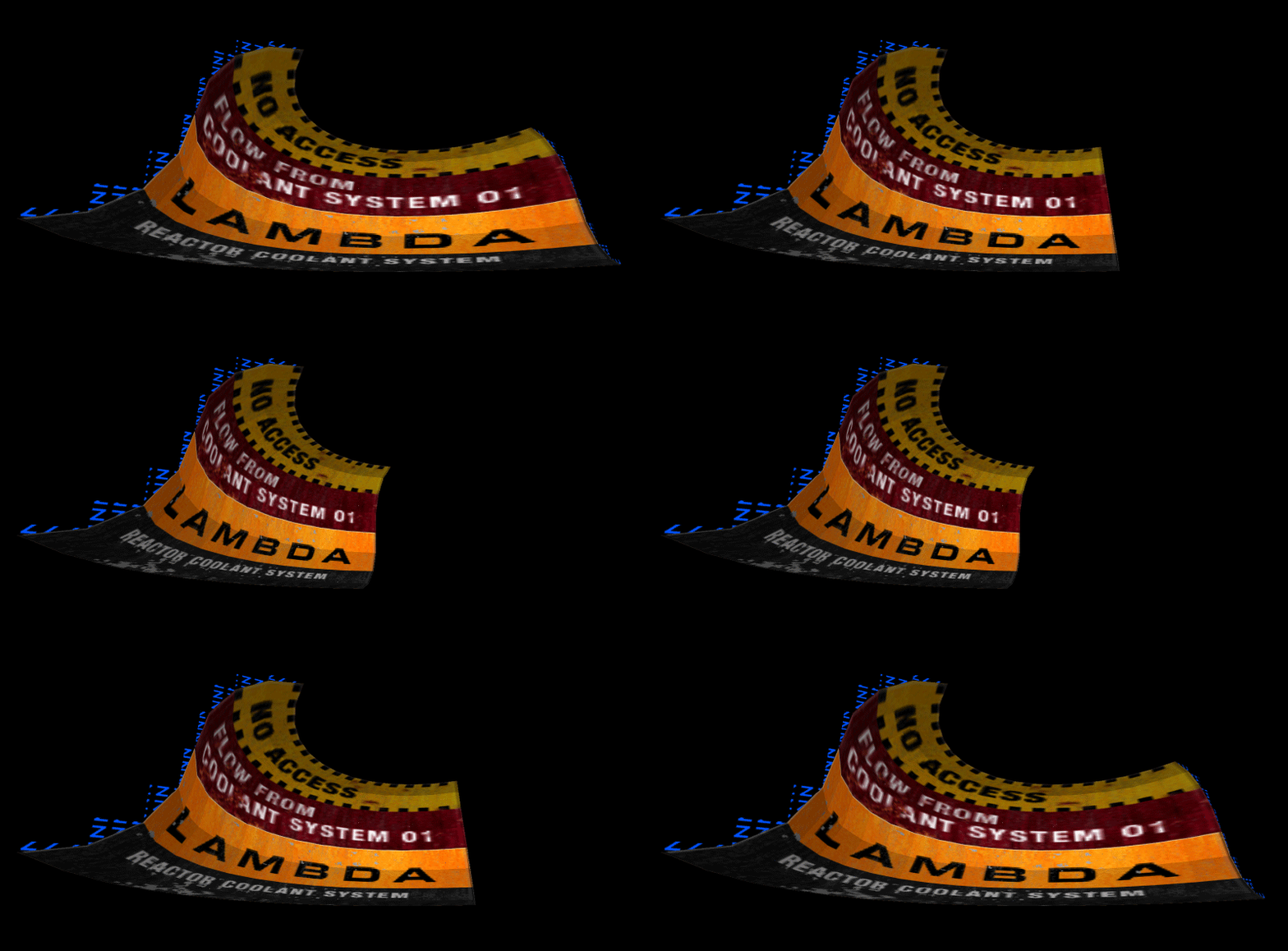
The new Template “ConcreteWalk”
Complete Changelog
CLI v0.87
Jumped from 0.81 to 0.87 since it felt like a big update, but still not like a major update.
Added mapcarve command to cut the input brushwork below the x-axis. mapcarve 0 // off mapcarve 1 // on: Carve along X-axis before source transformation mapcarve 2 // on: Carve along X-axis after source transformation The original behaviour would always preserve your input brushwork instead of carving it. This might not always be desired. By activating mapcarve this behaviour can be overridden.
Added mirror_src and mirror commands to mirror the input and final brushwork on their three axes X, Y and Z. Input brushwork will be mirrored from its individual geometry center, final brushwork from the levels origin (0,0,0). Works with an integer value from 0 to 7: 0=Off, 1=X, 2=Y, 3=Z, 4=XY, 5=XZ, 6=YZ, 7=XYZ mirror_src 3 // will mirror input brushwork on Z axis mirror 4 // will mirror final curve brushwork on X and Y axes
Added Logging. Can be used by calling Map2Curve.exe with -log parameter. Will log all information from the console app window to Map2Curve.log in root directory.
Fixed maps exported from Trenchbroom not being processed properly in some cases (e.g. regular boxes without slopes) which led to crashes. This occured because TB would export those brush faces as tiny planes instead of using the actual vertex positions which M2C relied upon in previous releases.
Maybe fixed another issue that probably prevented small brushes (e.g. 1, 0.5, 0.25) from being processed without ending up as invalid solid structures. Still, use small brushes (<1) with care!
Fixed a crash happening in various situations.
Fixed position of triangulated spike brushes not properly being increased when generating ramps.
Fixed empty solid entities being exported during RMF file export.
Changed hstretchamt (horizontal tiling amount) from integer to float. Values like 0.5 or 2.25 are now possible as well.
Changed automatic texture-tiling (hstretch=1 + hstretchamt=0) behaviour so that it avoids overly compressed texture scales. E.g. X-Scale: 0.1, Y-Scale: 1.0; Instead it will use original X-Scale. Whenever this happens there will be an info message during the process.
Fixed snap2grid for border brushes (transit_round) for the case when a curve has only one section.
Fixed automatic triangulation of border brushes for the case when “snap outer vertices of border brushes to grid” (transit_round) is active.
GUI v0.1.2.0
Added elements for new mapcarve feature
Added elements for new mirror and mirror_src feature
Re-Added elements for middle sections (formerly gaps)
Added Change All setting to apply changes in curve settings to all existing curve objects at once (tab reset and curve functions will ignore this)
Added some more tooltips
Added logging option to GUIs program settings
Highlighted new features
Added new Template regarding the mapcarve and mirror features
Hey ppl, I just uploaded a little update. Nothing serious or worth downloading but you might as well just get it right away. There’s a new feature, a few fixes and additions and more preview images for the GUI.
New Discord Server
Also there’s now a place for anyone who’s interested to report bugs and maybe even request tutorials or features. I set up a small Discord server, where I might also post some WIP stuff from my other projects in the future:
With the new gridsize setting you can better control snap to grid. Until now it was either switched on or off and would snap your vertices to a grid size of 1 game units. Now you can also control the snapping per the 3 axes X, Y and Z and choose your own grid size.
gridsize "1 1 1"      // X, Y, Z axis
gridsize "8 16 1024"  // Default: 1.0; valid range: 0 - 1024
gridsize "1 1 0"      // 0 = no snapping for respective axis
Unfortunately I wasn’t able to figure out snap to grid for textures as well, so keep in mind the textures will stay in place and use the setting carefully. Delicate objects will suffer from large grid sizes, while large objects can easily use higher ones.
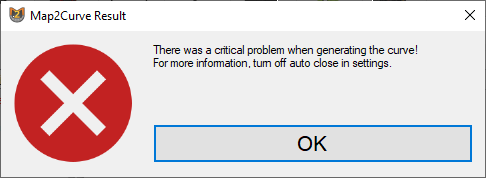
On a lesser note I added a result dialog to Map2Curve GUI that will not only inform you about critical errors but also warnings. For more information you still need to turn off autoclose for the CLI app, run generate again and look for the respective warning message.
Complete Changelog
CLI v0.81
Added new gridsize command for rounding aka snapping vertices to grid.
Fixed an issue with precise path_corner extrusions where the first curve section would always be recognized as facing inside.
Adjusted auto-triangulation of brushes.
Added another return value for Warnings instead of just critical errors.
GUI v0.1.1.0
Added result dialog to GUI to make it more clear when warnings and critical errors occured.
Added textboxes for new gridsize command on tab general curve settings II.
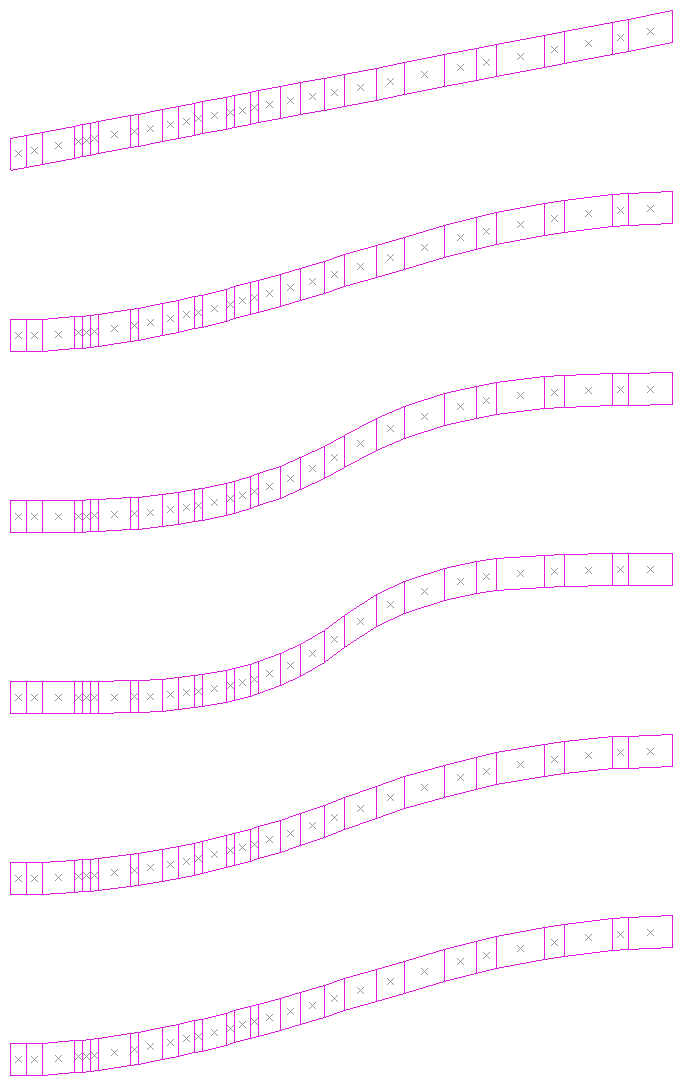
I added new height curves with a few functions from easings.net and overhauled the way those are being distributed among the sections. It now works the way it should.
Furthermore height is now being specified by the total distance instead of per step.
If you want to read more about the changes and additions, head over to the 0.7 overview page.
New Main Features: RMF Export and Circle duplication
The 2 most important additions to the tool are the new ability to export to RMF format, which solves the limitations that come with the Goldsource MAP format, and the new carve function for brushes, which makes the creation of highly complex seamless curves possible.
The base principle of this construction method follows an article, that was first posted to the Sven Coop forums by Kirito in 2018.
Downside: Floating point coordinates
The biggest downside of this method also applies to the new M2C feature: floating point coordinates. Because of these it is usually a good idea to turn the generated curve into a solid entity like func_detail and enclose it with worldbrushes. However it is also possible to use the generated curve as world (seals off the level). Whether this works or not depends on how well the compiler handle it.
Changelog
Added RMF export per default. Can be toggled with “rmf” 0/1.
Added carving for detail objects. Can be toggled with “d_carve” (0/1).
Added ability of custom origin brush and entity for detail objects. Either add an “ORIGIN”-textured brush or an info_target with name-keyvalue “ORIGIN” to a detail group.
Added random detail object group scaling withing limits. Can be set with “d_scale_rand” similar to other transformation commands: – d_scale_rand “1 0.5 2” (0/1 min max)
Added automatic assignment of any entity to a detail object group. Can be toggled with “d_autoassign” (0/1) and only works globally at the moment (for all curves at the same time).
Added flatcircle (0/1) command to make Pi circle flat instead of pointed. Original circle size is being maintained.
Added another bounding box type: Hollow box. Can be used with “bounds 2”.
Added a precise circle spin mode for detail objects. Can be toggled with “d_circlemode” (0/1).
Added vertex welding for carved brushes and fixing of “borderliner” vertex coordinates (e.g. 128.00002 = 128).
Added 3 beginner PDF tutorials to the tool archive.
Fixed a problem due to different vertex order of MAP files that were exported from J.A.C.K. editor. M2C would print invalid brush errors without apparent reason.
In this release I focused on adding the overdue “intersecting” extrusion method, which essentially produces very precise results, compared to the so far available simple spline extrusion method.
A Goldsource level mainly generated with the new curve type “intersecting spline”An interior scene generated with the new seamless texture mapping mode
There are a lot more smaller changes, some of which are important to know. As usual you can get it from the known sites:
Hello there! Recently I tried to create a model replacement for a Goldsource game for the first time. I had a hard time figuring out the optimal solution, so I made this tutorial to make it public and also not forget about it in the future.
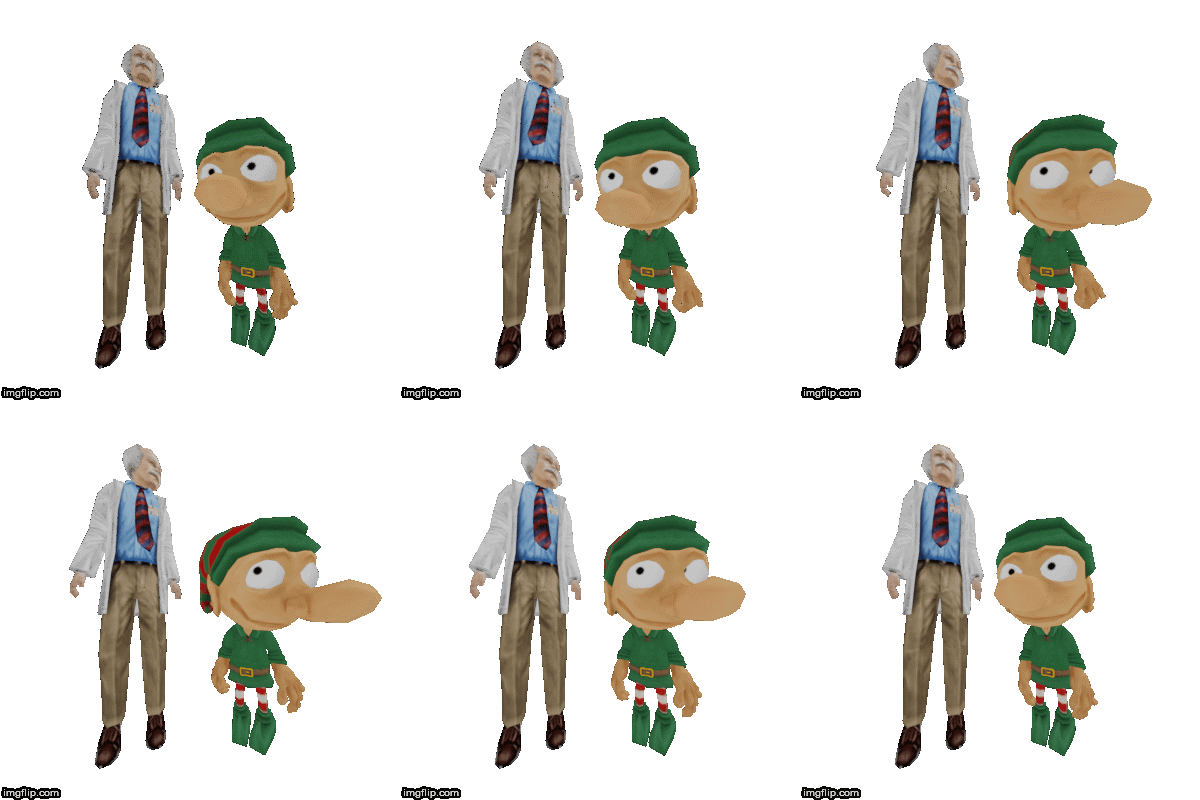
The following buddies are the two characters I was working with. The problem is, not only are they having different sizes, they also have very different proportions. This is usually a problem, because it demands a change in the skeletons bone layout, which will then again lead to outdated animations.
I will show you how I overcame this issue in Blender 2.8.
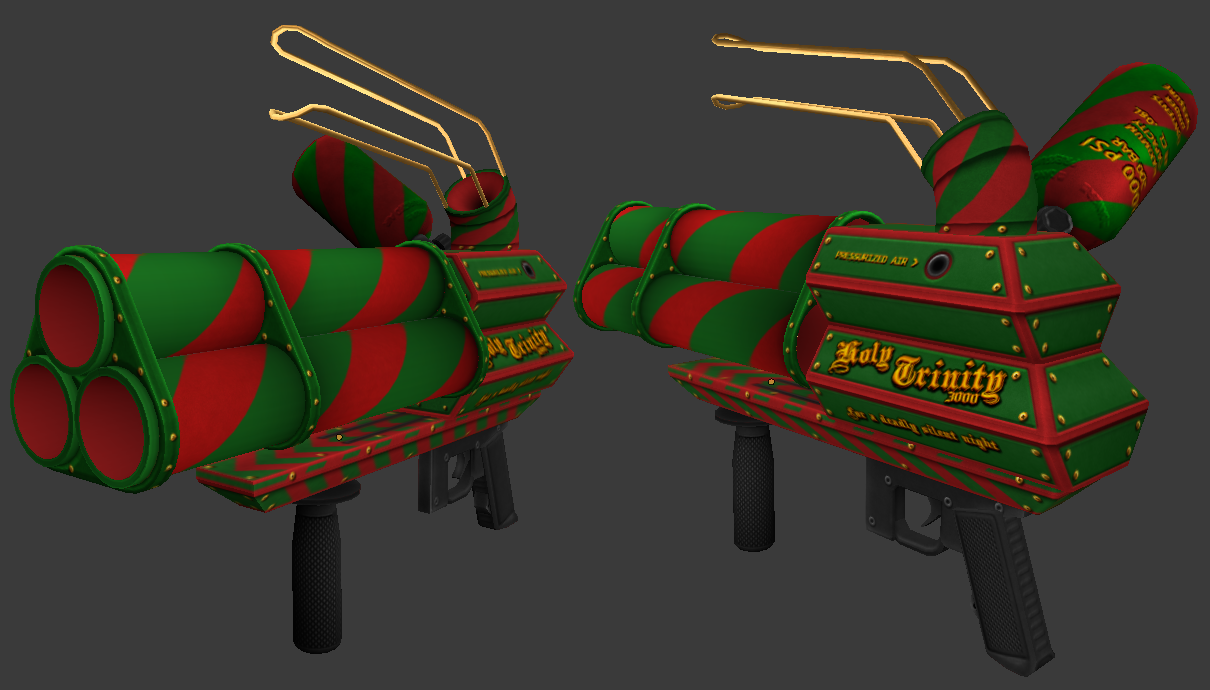
I wanna quickly show you what I’ve been doing for the last .. 8 days. Some guys from Sven Coop are doing a Christmas map this year and I volunteered to create a snowball cannon. Now I made it far enough to show you some results:
It probably won’t be of help for anybody really, since it is a DevC++ project and basically conforms to C++11, but maybe that isn’t such a big deal for somebody who is desperately trying to find out stuff about Goldsource/Quake map generation?! IDK, go crazy on it. Good luck!